01
Unified Text, Video, and Audio
HappyHorse 1.0 is publicly positioned around one integrated generation flow, which is exactly the kind of product story creators understand immediately.
HappyHorse gives you one Studio to move from concept to polished video with flexible workflows, clean controls, and production-ready output.
Model
HappyHorse 1.0
Runtime
Live Studio workflow
Output
Production-ready video
Meet HappyHorse 1.0
HappyHorse 1.0 is positioned as an open, human-centric audio-video generation model built for fast iteration. Instead of reading like a research paper, this section turns the public model signals into a practical product story for creators and teams.
Program note
Public signals point to a model shaped around human performance, multimodal generation, and unusually fast iteration for creative loops.
HappyHorse 1.0 is publicly positioned around one integrated generation flow, which is exactly the kind of product story creators understand immediately.
The model is described with a single-stream transformer stack, which we translate here as cleaner conditioning and fewer moving parts between prompt and result.
The strongest public signal is performance on human expression, motion, and audio alignment, making the model feel more character-first than generic video demos.
Public release materials emphasize very fast low-resolution generation, which is a strong product message because it points to quicker creative feedback loops.
English, Mandarin, Cantonese, Japanese, Korean, German, and French make the model feel usable beyond one narrow market or demo language.
The open-release story matters on a landing page because it makes HappyHorse 1.0 feel like a serious model lineage, not just a black-box wrapper.
Performance at a glance
These numbers are useful because they make the model feel concrete without forcing the whole page into a paper-summary tone.
Based on currently public model cards, release materials, and benchmark claims connected to the HappyHorse 1.0 positioning.
HappyHorse Studio
Enter a prompt, preview the workflow, and move into the live Studio when you're ready to create.
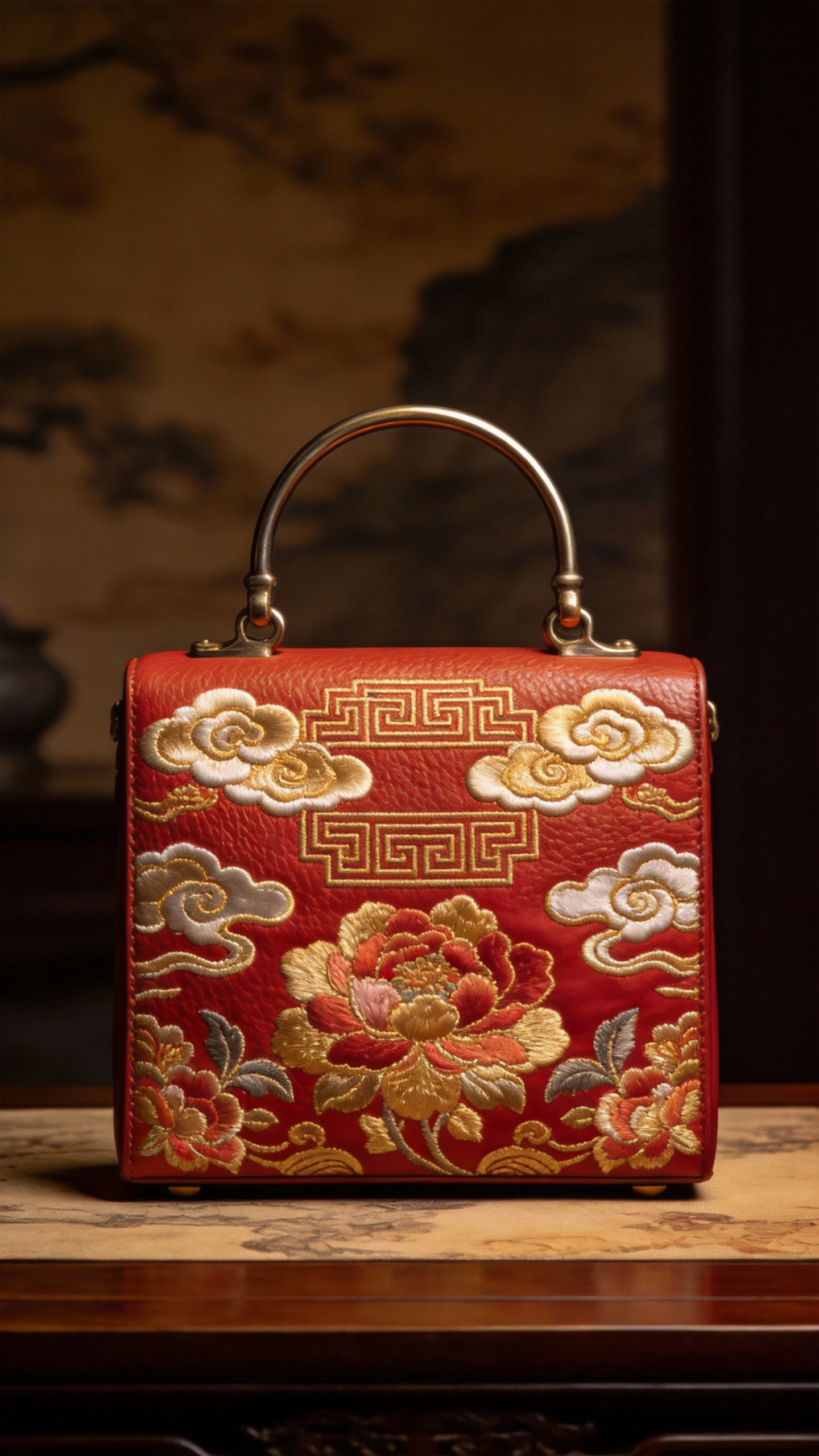
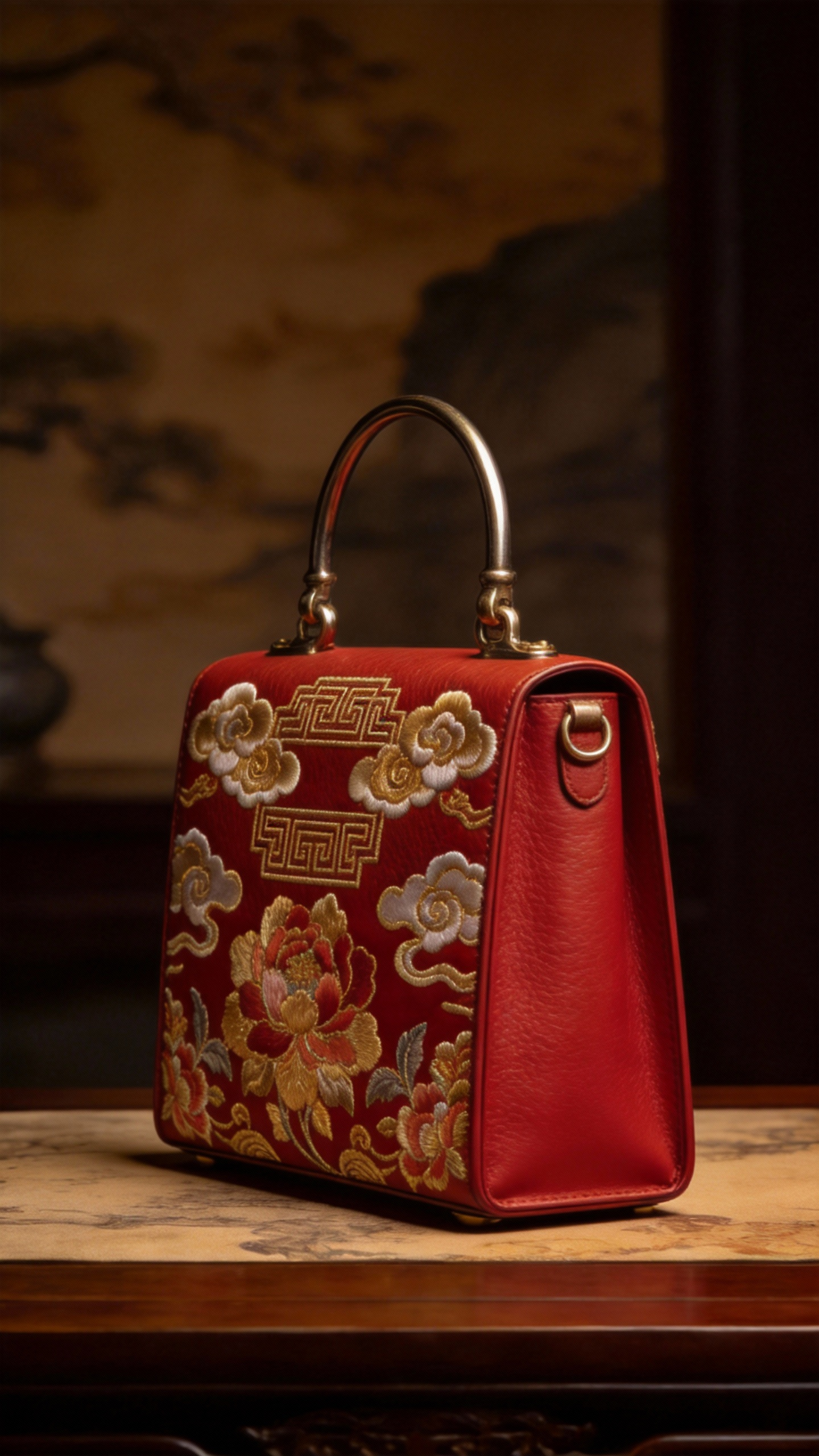
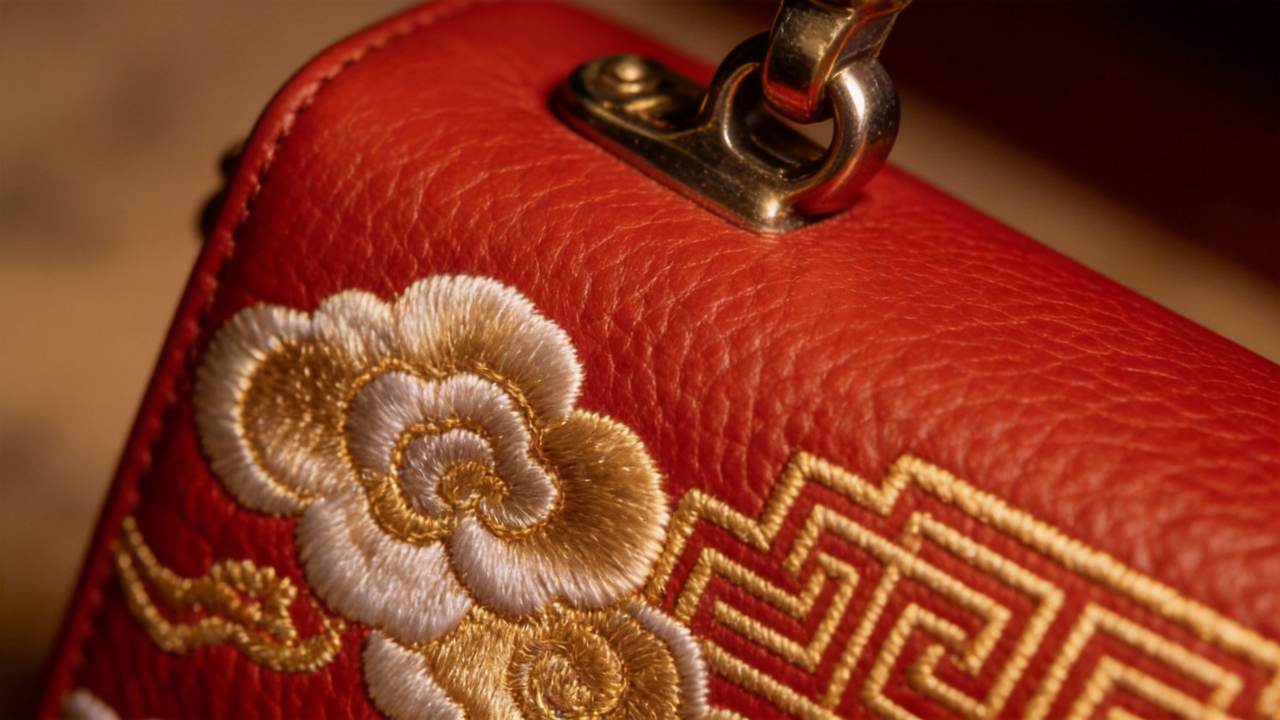
Create a commercial showcase for the handbag in @Image1, with the side view referencing @Image2, and the surface texture referencing @Image3. Show all details of the handbag with an epic background score.
HappyHorse Features
Everything you need to go from a rough prompt to production-ready AI video in one workflow.
Turn a written idea into a polished visual sequence fast. Start from a simple prompt and iterate inside one Studio.
Animate key visuals, concept frames, and product stills into motion while keeping the workflow lightweight.
Adjust the workflow to match the job, from quick concept passes to more directed generation with references and tuned settings.
Bring in images and other inputs when you need tighter visual direction, consistency, and better control over the final look.
Generate assets you can actually review, share, and build on, without bouncing between disconnected tools.
Paid HappyHorse plans include commercial usage rights for business, marketing, social media, and client work.
We bring you the world's top AI models in one single, easy-to-use platform.
We rapidly integrate the newest model versions so you never have to wait. If a breakthrough AI model drops today, we'll have it ready for you tomorrow.
We keep the Studio practical and quality-focused, so you spend less time juggling tools and more time refining output.
Why pay for 5 different subscriptions? We bundle the world's leading models into one simple, highly-affordable pricing plan.
How to Use HappyHorse
Getting started with HappyHorse is fast. Follow these steps to create your first AI video.
Describe the video you want to create. Add prompts and references when you need more control over the result.
HappyHorse processes your prompt and settings inside the Studio so you can review, refine, and generate without switching tools.
Preview the result, export it, and move it into your campaign, creative review, or client workflow.
Selected Frames
Explore prompts, references, and polished outputs with the feeling of a curated reel rather than a template gallery.
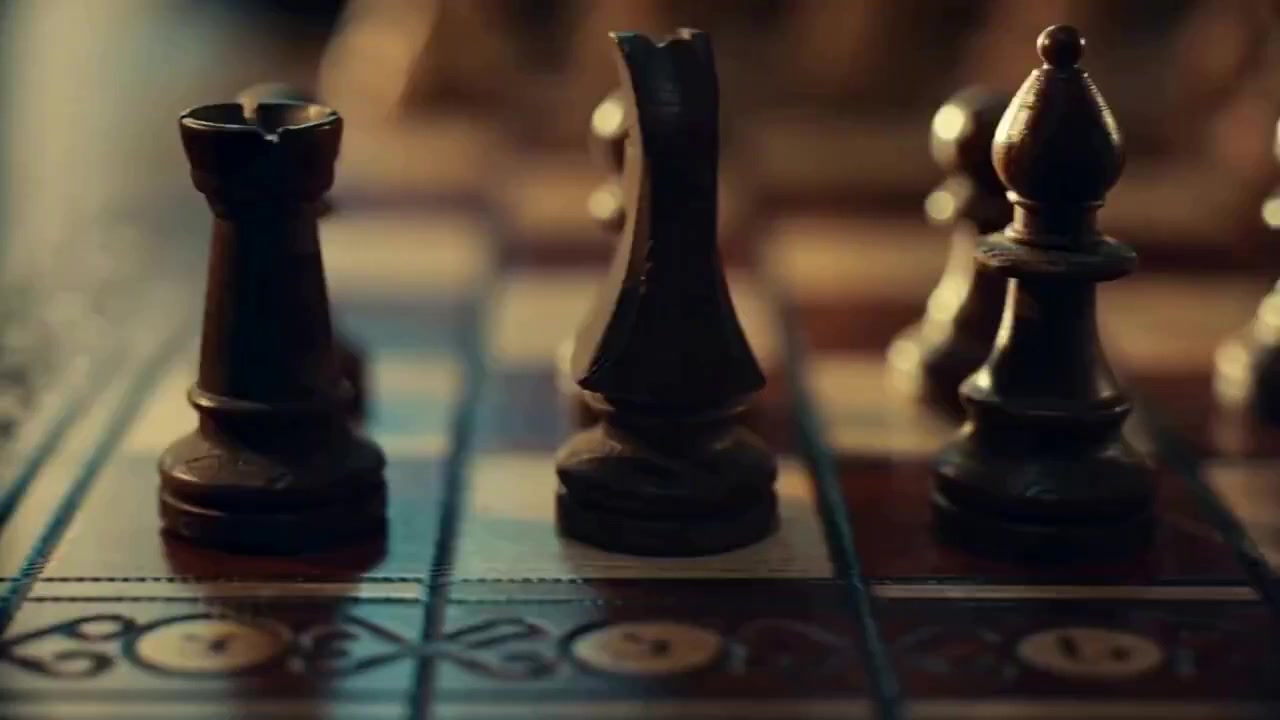
One continuous shot: the scene starts with a chess game, the camera pans left to reveal sand grains, then moves upward to reach sandy footprints on a beach, continuing forward to the shore where waves crash in — all in a single unbroken take.
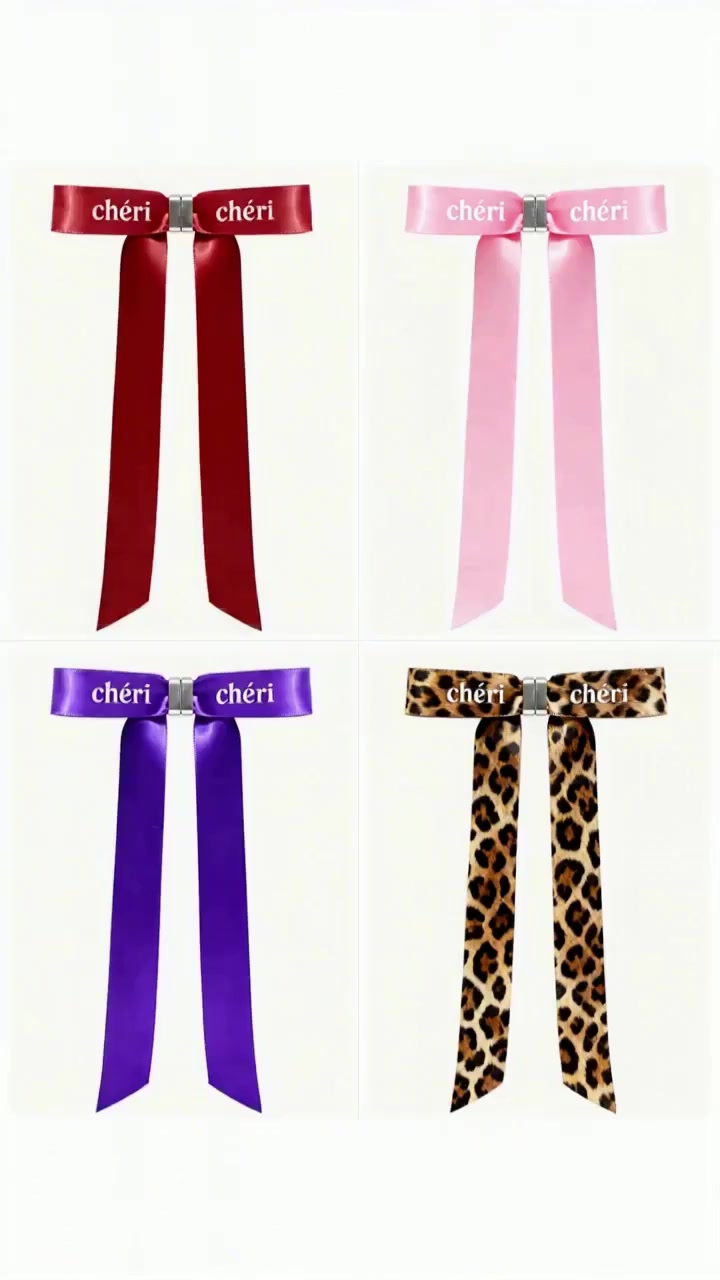
Magnetic butterfly bow product ad: 0-2s four-panel flash cuts of four bow styles, 3-6s close-up of magnetic snap closure with a satisfying click, 7-10s model wearing the bow while walking on the street, camera tracking from medium to close-up.
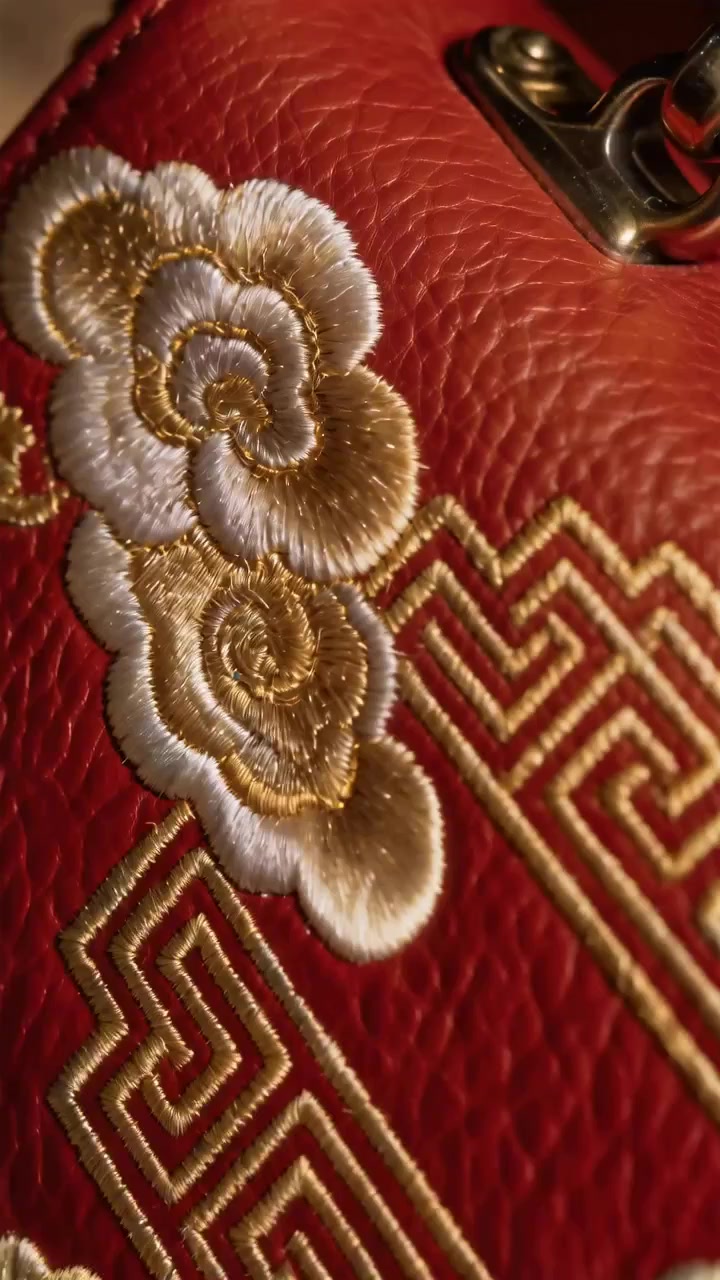
Handbag showcase: create a commercial-grade cinematography video of the handbag from the reference image, with clear detail, elegant lighting, and slow rotation to highlight the embroidery pattern and leather texture.
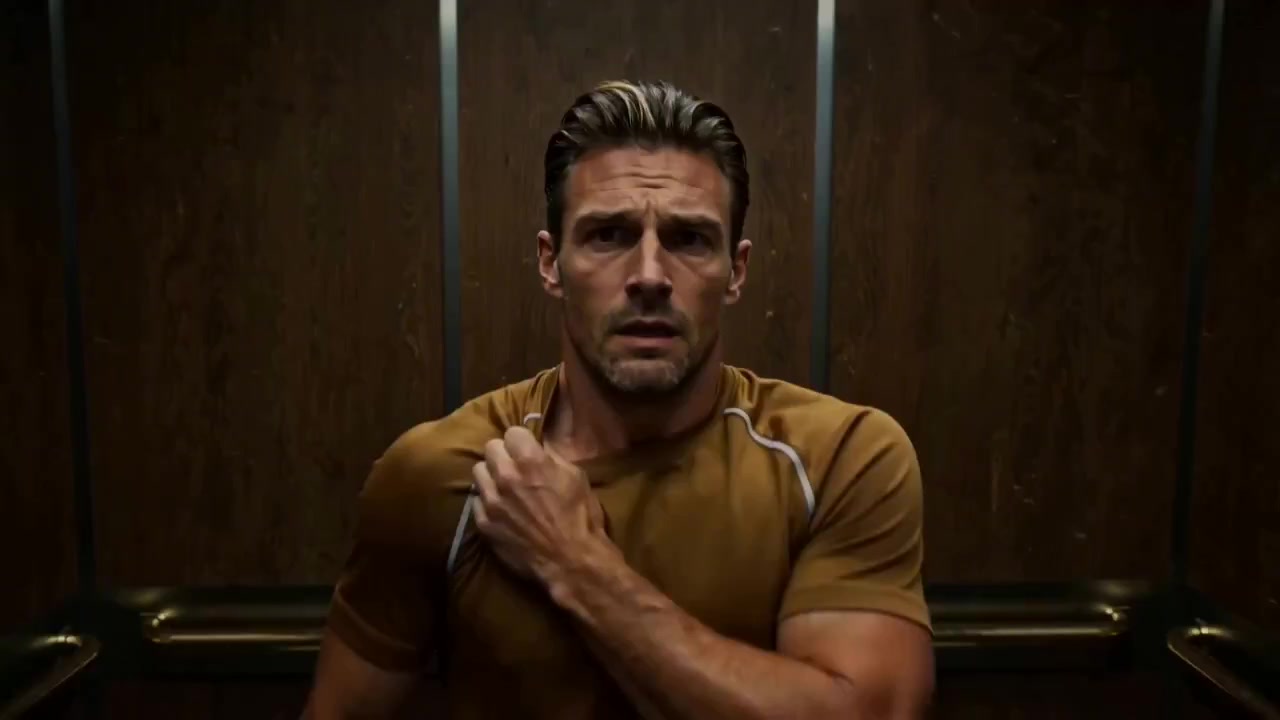
Reference the camera movement from the source video: the protagonist experiences a Hitchcock dolly zoom during a moment of terror, showcasing the interior elevator perspective with the background stretching and warping while the subject remains in focus.
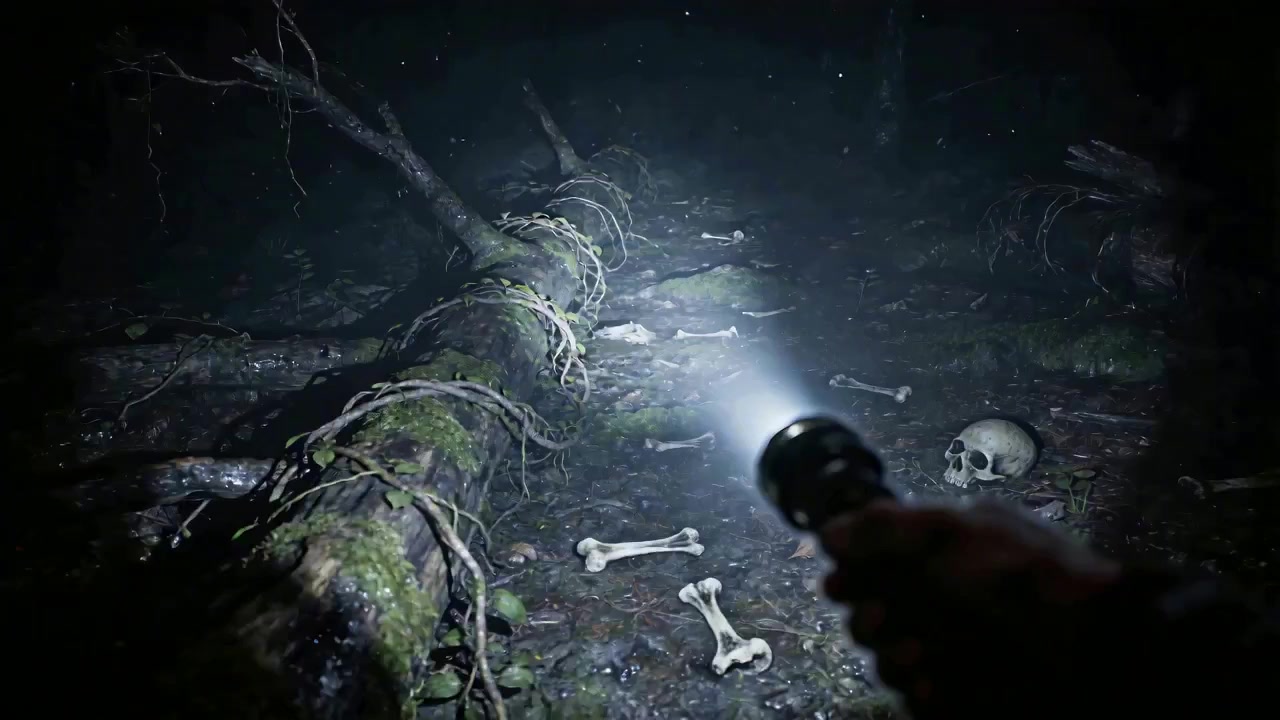
Horror film camera work: first-person perspective, referencing the camera movement from the source video, building a terrifying atmosphere with a flashlight illuminating a dark forest floor littered with bones and skulls.
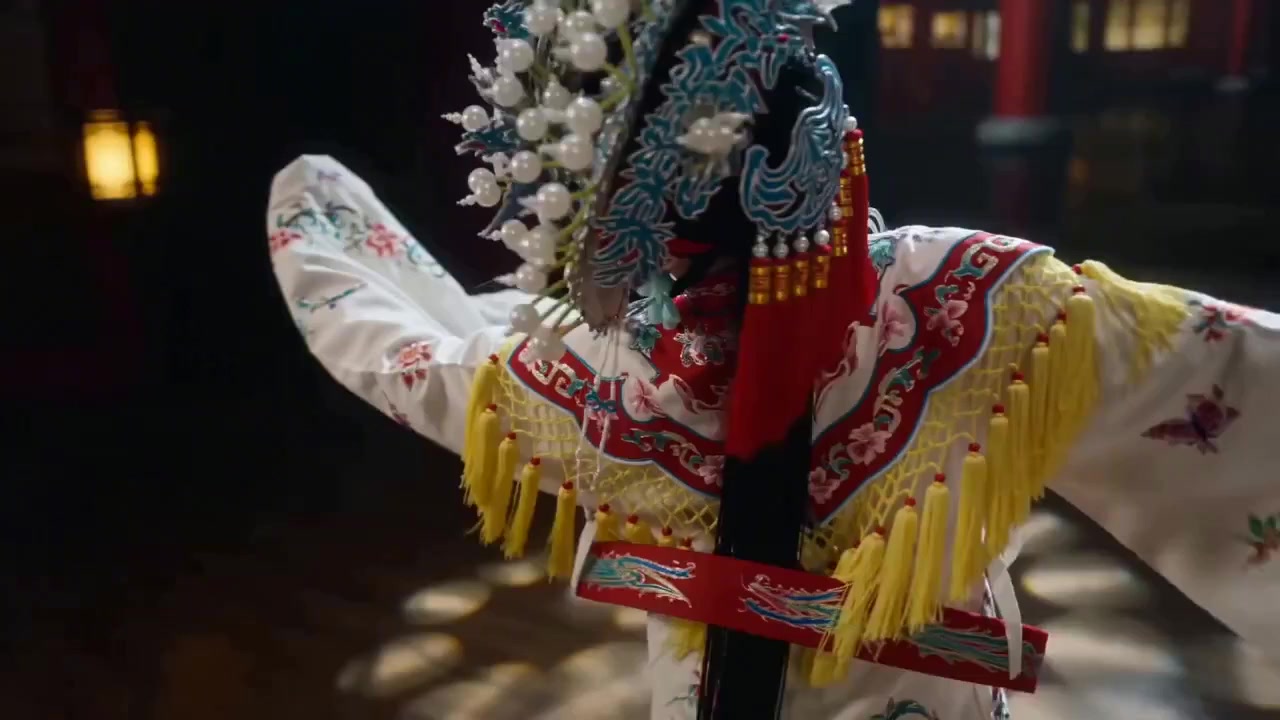
Replace the girl in the reference video with a Chinese opera Huadan performer, set on an exquisite traditional stage, following the same camera movements from the reference video with flowing costumes and dramatic gestures.
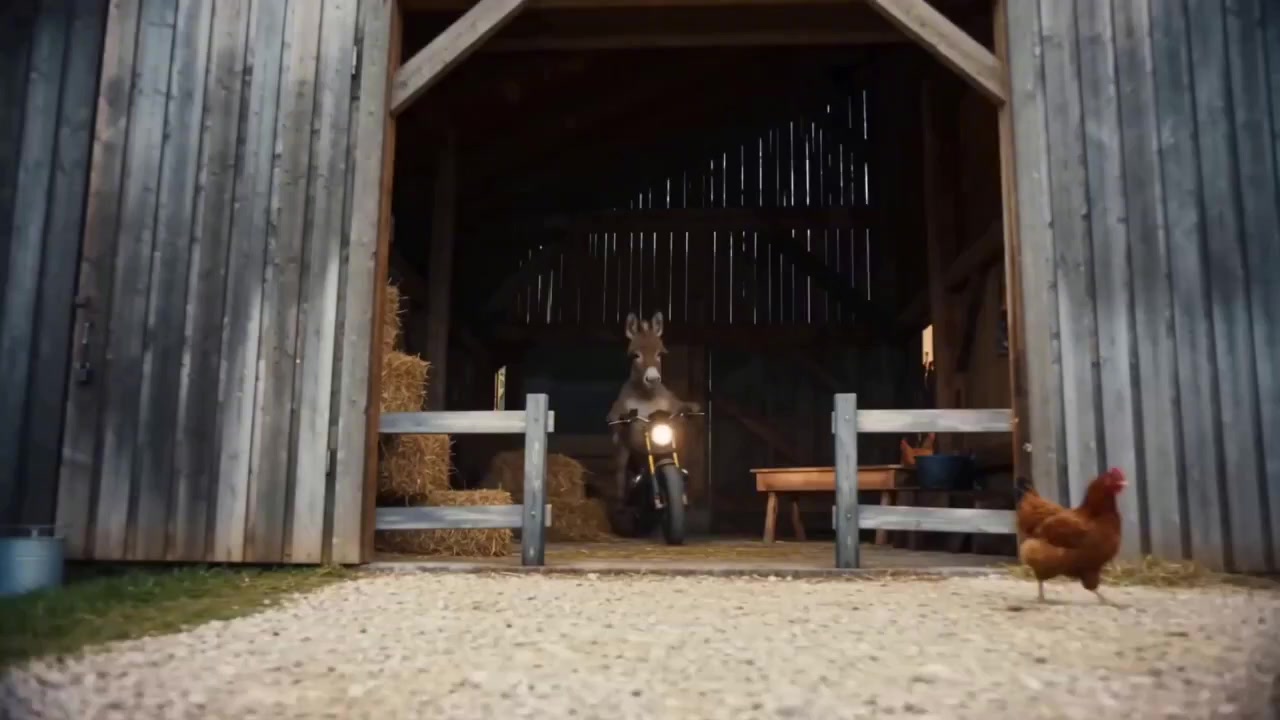
Donkey motorcycle commercial extension: extend the video to 15 seconds, adding scenes of the donkey bursting through the barn fence and racing towards the snowy mountains in the distance — humorous and cinematic.
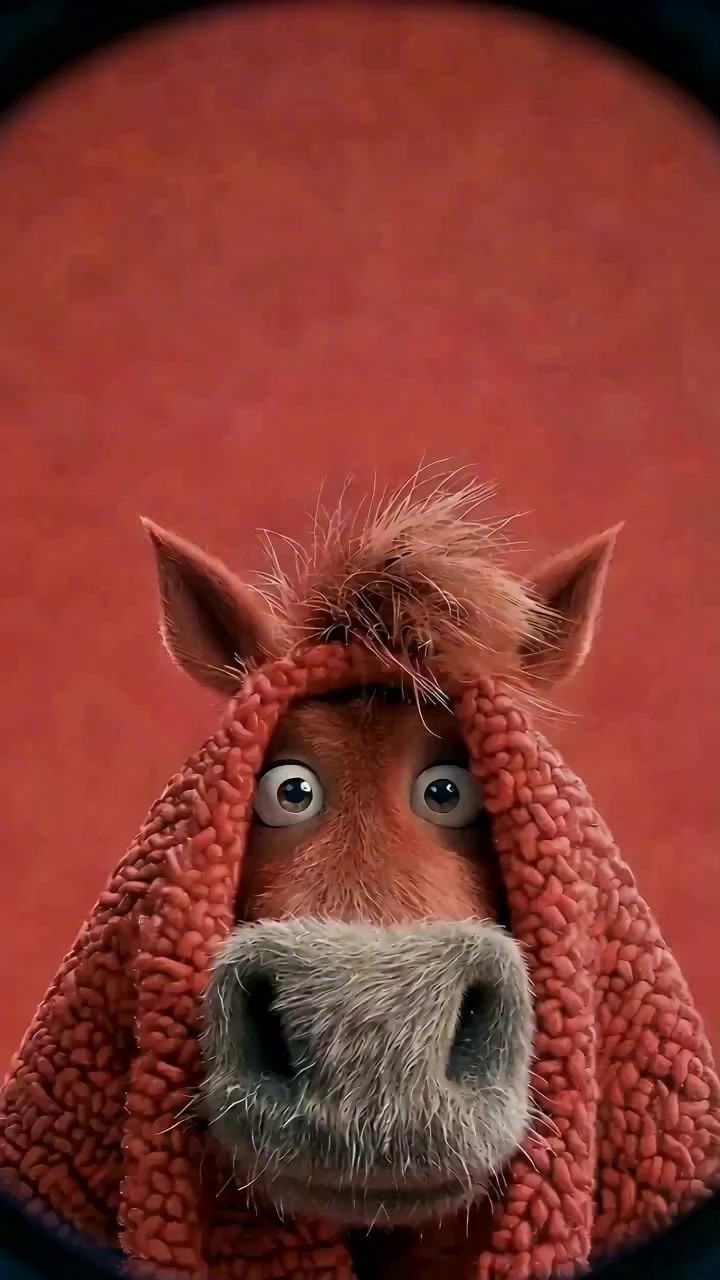
Peeping lens: a fisheye lens peers through a circular hole, a horse looks directly into the fisheye lens and speaks, with background music accompaniment — generated with native audio sync.
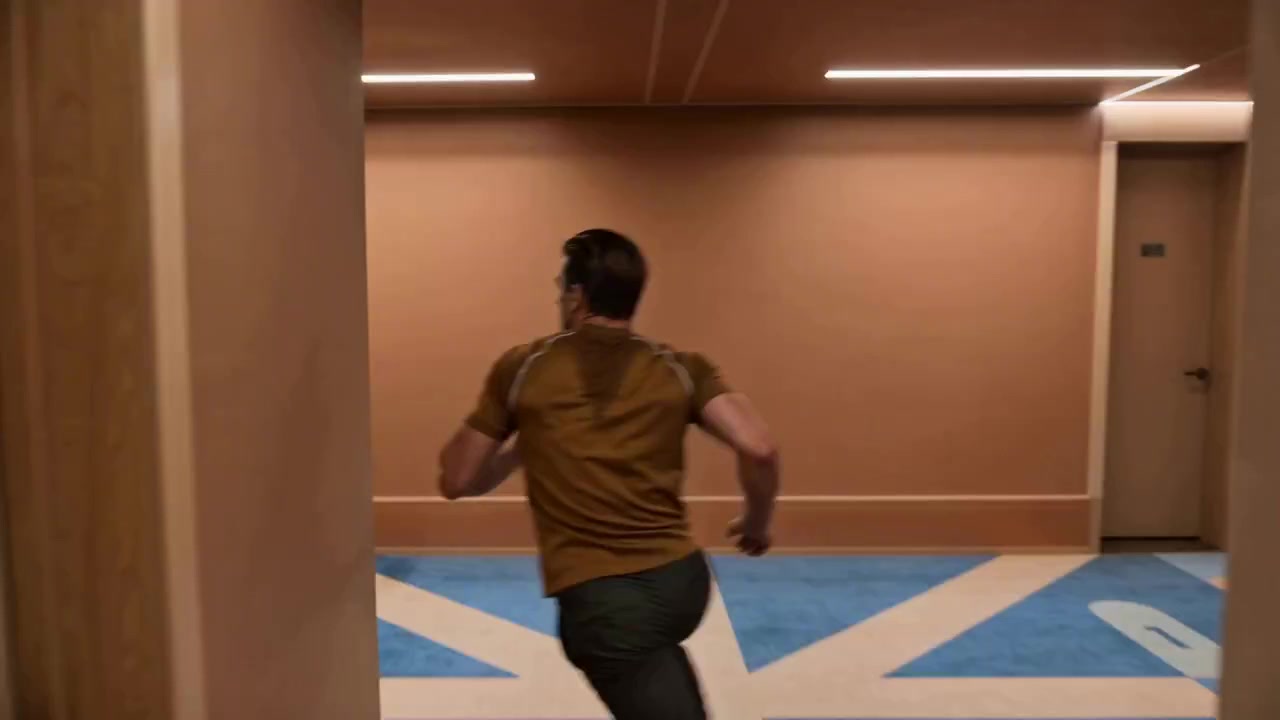
Tracking shot: the camera follows the protagonist running from the street up the stairs, through a corridor and onto the rooftop with a panoramic city view — all in one continuous unbroken take.
Rates & Access
Start creating inside HappyHorse with monthly plans or flexible credit packs, then move straight into the Studio.
8,000 credits/mo · ~80 videos
20,000 credits/mo · ~200 videos
60,000 credits/mo · ~600 videos
Frequently Asked Questions About HappyHorse